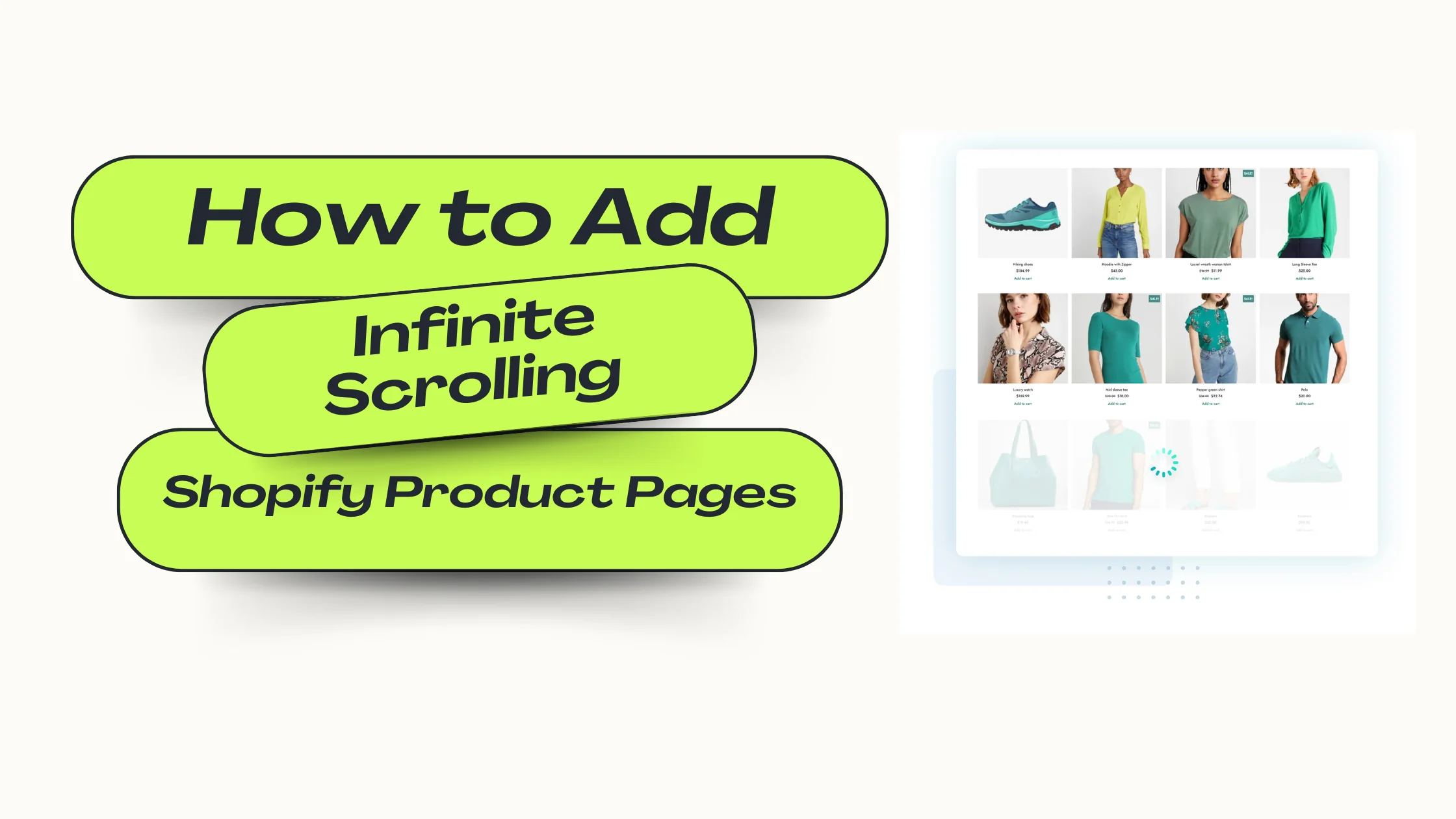
In the fast-paced world of eCommerce, customers expect smooth, uninterrupted browsing experiences. Infinite scrolling — where new products load automatically as shoppers scroll down — keeps visitors engaged, reduces bounce rates, and encourages longer site visits. For Shopify store owners, adding infinite scrolling to product pages can be a game-changing feature that enhances user experience and boosts conversions.
This guide will walk you through how to add infinite scrolling to Shopify product pages, answer common questions, share best practices, and reveal why implementing this feature could significantly improve your store’s performance.
Infinite scrolling is a technique where additional content loads automatically as the user reaches the bottom of the page. Unlike traditional pagination, which forces customers to click through multiple pages, infinite scroll keeps them browsing seamlessly.
Benefits for Shopify Stores:
According to a Nielsen Norman Group study, infinite scrolling can increase user engagement by up to 20% when implemented correctly.
There are two main approaches: using a Shopify app or custom coding.
If you’re not comfortable editing code, apps offer a simple, no-code solution. Popular apps include:
These apps typically offer:
Steps:
For developers or store owners comfortable with code, custom implementation offers more control and flexibility.
Key Steps:
collection.liquid or collection.json.Q1: Will infinite scrolling hurt my SEO?
Not if implemented correctly. Use hybrid scrolling with a “Load More” option or maintain paginated URLs for search engines.
Q2: Does it slow down my Shopify store?
Poorly implemented infinite scroll can hurt speed. Always use lazy loading and optimize images.
Q3: Can I implement infinite scrolling without an app?
Yes, but you’ll need to edit your theme’s Liquid templates and add custom JavaScript.
Q4: Will it work with all Shopify themes?
Most modern themes support infinite scrolling, but some may require additional customization.
Q5: Should I track its impact?
Absolutely. Use Google Analytics or Shopify reports to measure changes in user engagement and sales.
For those comfortable with coding and using Shopify’s Dawn theme, here’s a step-by-step guide with ready-to-use code to add infinite scrolling to your product pages. This approach keeps SEO intact by preserving paginated URLs, supports lazy loading for fast performance, and gracefully falls back to a Load More button if JavaScript is disabled.
Duplicate your Dawn theme before making any code edits. This keeps your live store safe.
Edit the collection section that renders your product grid (commonly sections/main-collection-product-grid.liquid or similar). Wrap the product grid in a container with an ID, and add a Load More button and status messages like so:
<div id="CollectionProducts" data-collection-handle="{{ collection.handle }}">
  {{ section.blocks | render }}
div>

<div id="InfiniteScrollStatus" class="infinite-scroll-status">
  <button id="LoadMoreBtn" class="button">Load more productsbutton>
  <div id="InfiniteLoading" style="display:none;">Loading…div>
  <div id="InfiniteEnd" style="display:none;">No more productsdiv>
div>

{{ 'infinite-scroll.css' | asset_url | stylesheet_tag }}
<script src="{{ 'infinite-scroll.js' | asset_url }}" defer>script>
Create a new asset called infinite-scroll.css and paste:
.infinite-scroll-status {
  text-align: center;
  margin: 2rem 0;
}
#LoadMoreBtn {
  padding: 0.6rem 1rem;
  font-weight: 600;
  cursor: pointer;
  border-radius: 6px;
  border: 1px solid #111;
  background: transparent;
}
#InfiniteLoading { font-style: italic; color: #666; }
#InfiniteEnd { color: #222; font-weight: 600; }
Create a new asset called infinite-scroll.js and paste this well-commented script:
(function () {
  const PRODUCTS_WRAPPER_SELECTOR = '#CollectionProducts';
  const PRODUCT_CARD_SELECTOR = 'li[data-product-card], .card-wrapper, .product-card, .card';
  const PAGINATION_NEXT_PAGE_PARAM = 'page';
  const LOAD_MORE_BTN_ID = 'LoadMoreBtn';
  const LOADING_ID = 'InfiniteLoading';
  const END_ID = 'InfiniteEnd';
  const SCROLL_OFFSET_PX = 500;

  let currentPage = 1;
  let loading = false;
  let moreAvailable = true;

  function $(sel, ctx = document) { return ctx.querySelector(sel); }
  function $all(sel, ctx = document) { return Array.from(ctx.querySelectorAll(sel)); }

  function getCollectionHandle() {
    const wrapper = document.querySelector(PRODUCTS_WRAPPER_SELECTOR);
    return wrapper ? wrapper.dataset.collectionHandle : null;
  }

  function buildPageUrl(page) {
    const handle = getCollectionHandle();
    if (!handle) return null;
    return `/collections/${handle}?${PAGINATION_NEXT_PAGE_PARAM}=${page}`;
  }

  async function fetchPageHtml(url) {
    try {
      const res = await fetch(url, { credentials: 'same-origin' });
      if (!res.ok) return null;
      return await res.text();
    } catch (err) {
      console.error('InfiniteScroll fetch error', err);
      return null;
    }
  }

  function parseProductsFromHtml(html) {
    const parser = new DOMParser();
    const doc = parser.parseFromString(html, 'text/html');
    const possibleWrapper = doc.querySelector(PRODUCTS_WRAPPER_SELECTOR);
    if (possibleWrapper) {
      return $all(PRODUCT_CARD_SELECTOR, possibleWrapper);
    }
    return $all(PRODUCT_CARD_SELECTOR, doc);
  }

  function appendProducts(nodes) {
    const wrapper = document.querySelector(PRODUCTS_WRAPPER_SELECTOR);
    if (!wrapper) return;
    const listEl = wrapper.querySelector('ul, ol');
    if (listEl) {
      nodes.forEach(n => listEl.appendChild(document.importNode(n, true)));
    } else {
      nodes.forEach(n => wrapper.appendChild(document.importNode(n, true)));
    }
  }

  function show(id) {
    const el = document.getElementById(id);
    if (el) el.style.display = '';
  }
  function hide(id) {
    const el = document.getElementById(id);
    if (el) el.style.display = 'none';
  }

  async function loadNextPage() {
    if (loading || !moreAvailable) return;
    loading = true;
    show(LOADING_ID);
    hide(LOAD_MORE_BTN_ID);
    currentPage++;
    const url = buildPageUrl(currentPage);
    if (!url) {
      loading = false;
      return;
    }
    const html = await fetchPageHtml(url);
    if (!html) {
      show(LOAD_MORE_BTN_ID);
      hide(LOADING_ID);
      loading = false;
      return;
    }

    const productNodes = parseProductsFromHtml(html);

    if (!productNodes || productNodes.length === 0) {
      moreAvailable = false;
      hide(LOAD_MORE_BTN_ID);
      hide(LOADING_ID);
      show(END_ID);
      loading = false;
      return;
    }

    appendProducts(productNodes);

    if (window.lazyLoadInstance && typeof window.lazyLoadInstance.update === 'function') {
      try { window.lazyLoadInstance.update(); } catch (e) {}
    }

    show(LOAD_MORE_BTN_ID);
    hide(LOADING_ID);
    loading = false;
  }

  function onScroll() {
    if (!moreAvailable || loading) return;
    const distanceFromBottom = document.documentElement.scrollHeight - (window.scrollY + window.innerHeight);
    if (distanceFromBottom < SCROLL_OFFSET_PX) {
      loadNextPage();
    }
  }

  function initLoadMoreButton() {
    const btn = document.getElementById(LOAD_MORE_BTN_ID);
    if (!btn) return;
    btn.addEventListener('click', function (e) {
      e.preventDefault();
      loadNextPage();
    });
  }

  function init() {
    if (!getCollectionHandle()) {
      console.warn('InfiniteScroll: collection handle not found.');
      return;
    }
    initLoadMoreButton();
    window.addEventListener('scroll', onScroll, { passive: true });
  }

  if (document.readyState === 'loading') {
    document.addEventListener('DOMContentLoaded', init);
  } else {
    init();
  }
})();
Adding infinite scrolling to your Shopify store, especially in Dawn, dramatically improves the shopping experience. This custom code lets you keep SEO intact, load products smoothly, and give customers more reason to stay and buy. Test thoroughly and watch engagement grow!


I’m Kamal, a WordPress developer focused on plugins, APIs, and scalable products.
Learn More